Venue floor plan + drag and drop
Drop in a photo of the room, place tables on top, and move guests between seats without rebuilding the sheet.
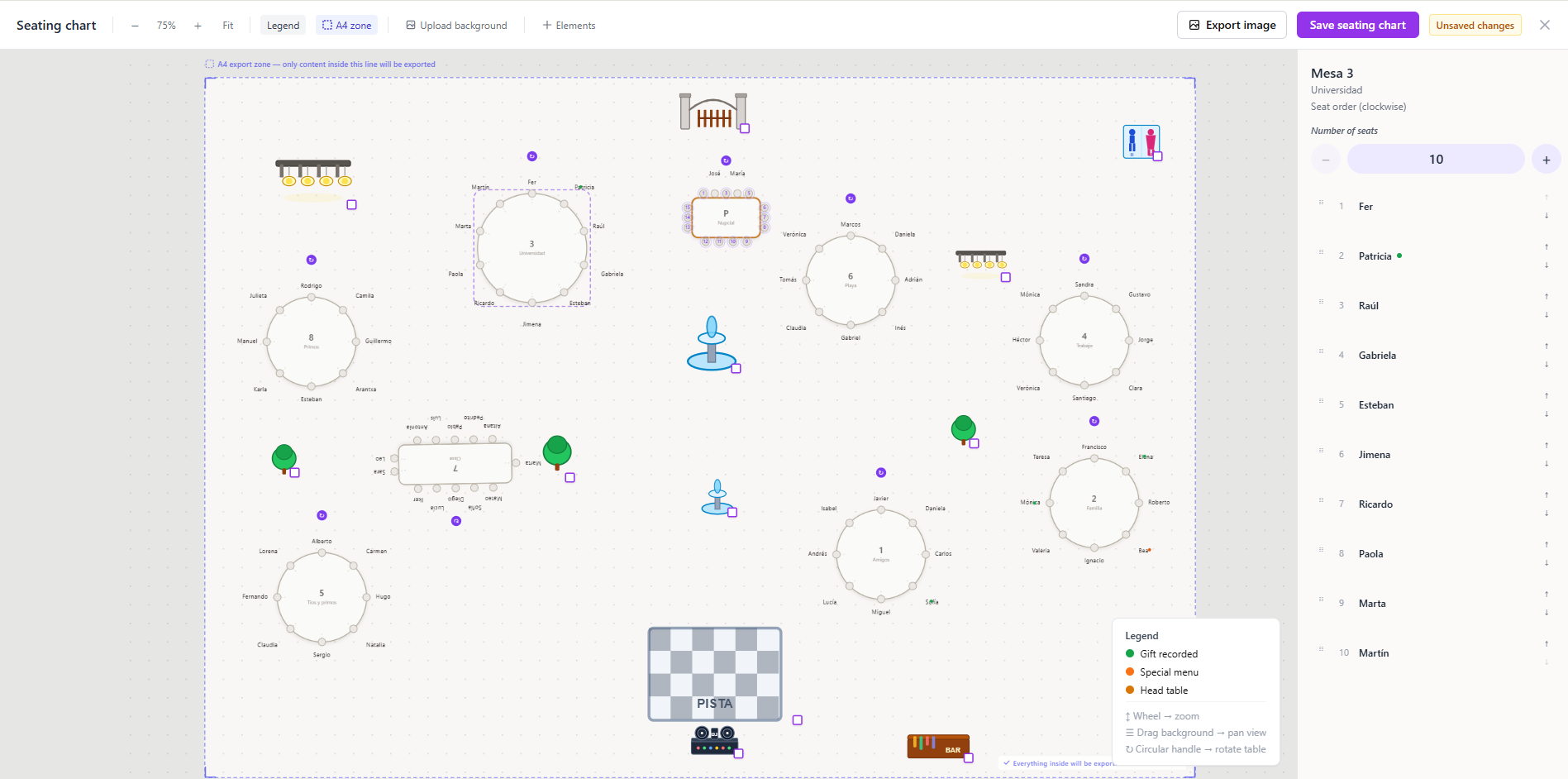
Seating charts · For wedding planners
Lay out each reception on the real floor plan, move confirmed guests into seats, and export a PDF catering can use on the day.
No credit card. You land in the demo dashboard and pick a plan when it fits. From $29.99/mo.
Spreadsheets vs. a real floor plan
A plus-one drops, the venue wants the chart, and you have three versions. Across a full book of weddings, that is a tooling problem — not a design problem.
Sheets that fall apart on a phone
The Excel layout breaks, it does not fit a phone, and nobody knows which file is current.
Names retyped from RSVP
You copy guests who already replied. One typo and you seat someone who is not coming.
A different PDF for every vendor
Catering and the venue each get a screenshot. On the day, they are not looking at the same chart.

One chart per wedding, drag and drop
Tables and guests move in the same place. One change, one version.
Guests who actually RSVP’d
You seat confirmed attendance, not a stale list.
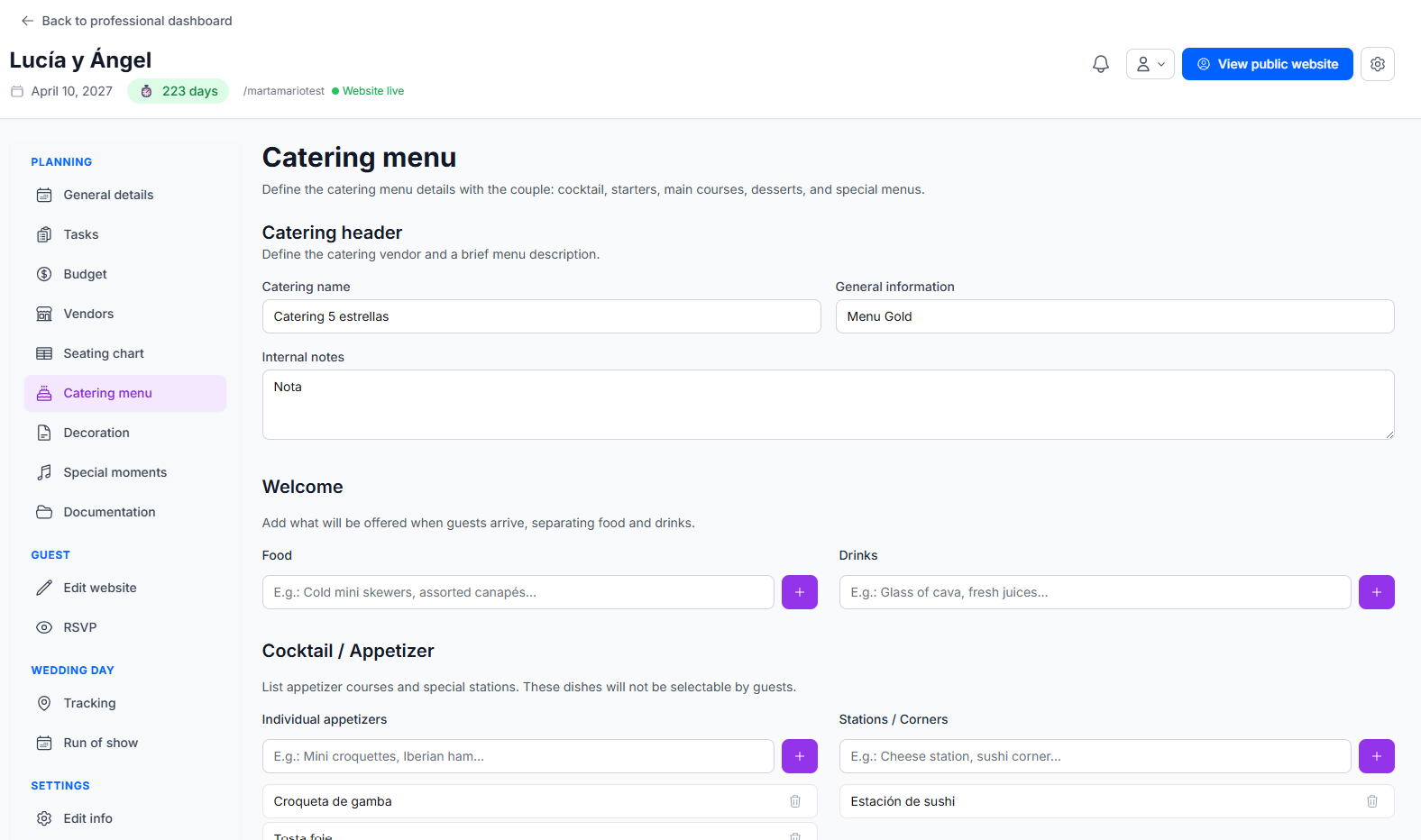
A catering PDF from that same chart
Export tables, names, and meal notes without building a second document.
What you can do
Drop in a photo of the room, place tables on top, and move guests between seats without rebuilding the sheet.
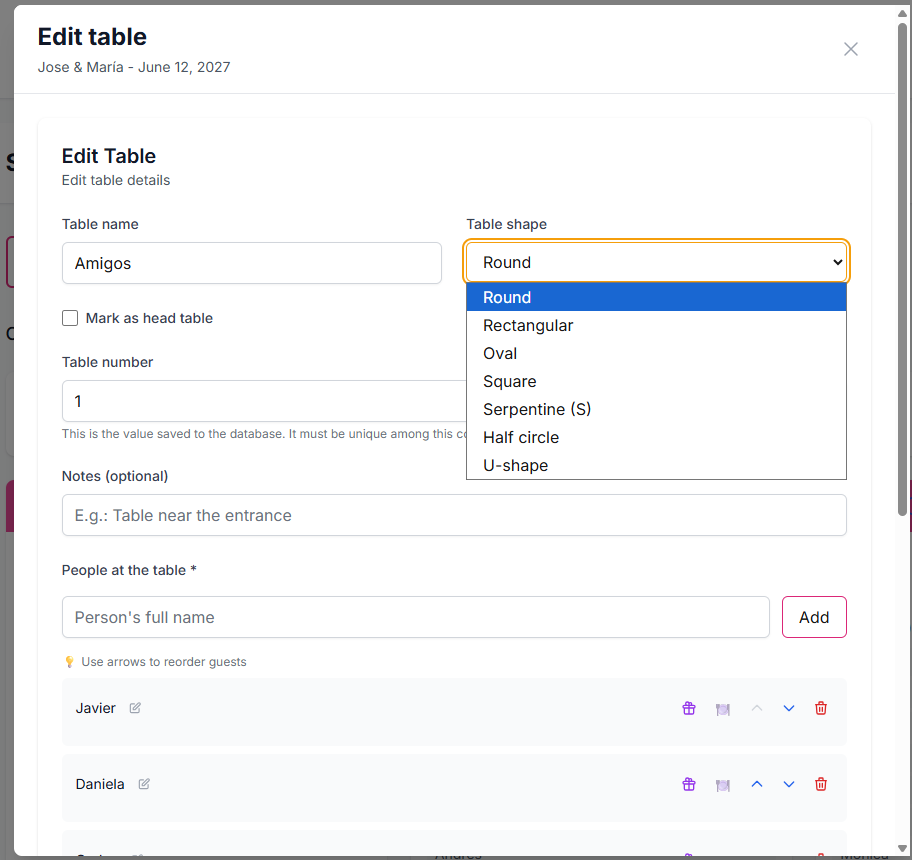
Rounds, rectangles, S, U, and the other shapes the room actually uses. No table cap.
Confirmed guests flow in. You export for catering and the venue. Share it in the client portal when you are ready.
Watch a guest move from one table to another on the floor plan. Same editor you get in the dashboard.
For wedding planners. You run a separate chart per client from one dashboard. The couple only sees what you share.
Yes. Upload a photo of the room and place tables on that floor plan.
Yes. Confirmed guests flow into seating, so you assign real attendance — not a copied list.
No. Rounds, rectangles, S, U, and other shapes, with no practical table cap.
Yes. Export a PDF for catering and the venue with tables and assigned guests.
No. Get started free, land in the demo dashboard, and pick a paid plan only if it fits.
Build the run of show your vendors and team follow on wedding day.
Step-by-step guide with a full example timeline for a 4:00 PM ceremony.
Collect confirmations first, then seat the guests who are actually coming.
The full CRM for planners running Miami, Orlando, and destination weddings.
Get started, seat your next wedding, and export a chart your venue can actually use.