One list per wedding — or all of them
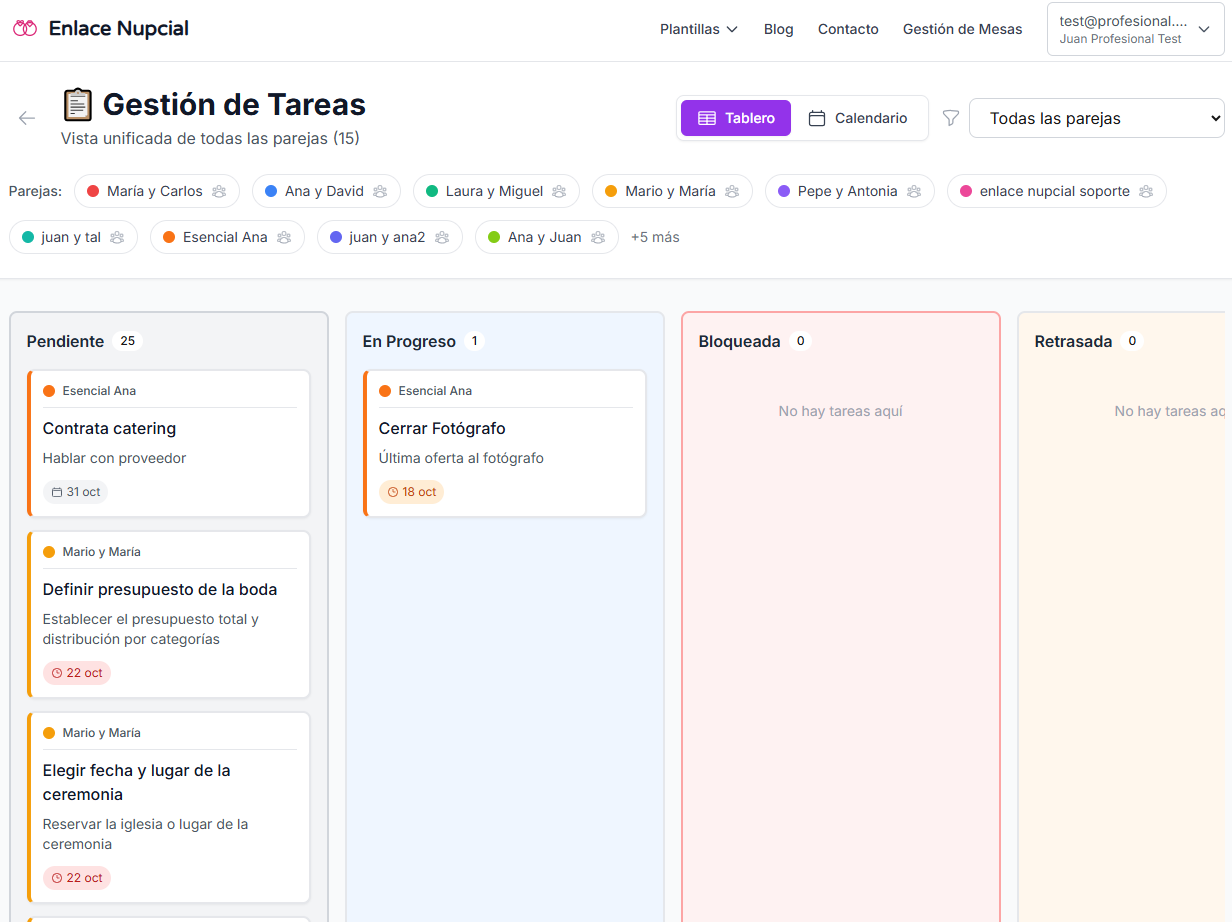
Create tasks for that couple. Filter when you need focus; open the global view when you are packing the week.
Tasks · Kanban · Calendar · For planners
Kanban, calendar, and due dates per wedding. What is due can sync to Google Calendar. No more running eight projects from one notes app.
No credit card. You land in the demo dashboard and pick a plan when it fits. From $29.99/mo.
Eight weddings do not fit in one notes app
Across a full book, you do not forget because you do not care. You forget because the list does not know which wedding it belongs to.
One list for every couple
The same note mixes deposits, tastings, and reminders. You cannot see what is due on which wedding.
Dates that never hit the calendar
The deadline lives in a sheet. Google Calendar does not know until the day arrives.
Starting every wedding from scratch
You retype “book photographer” for every client. Repeat work eats the week.
Tasks split by couple
Filter one wedding or see them all. A change on one does not trash the rest of the week.
Kanban, checklist, and calendar
Move a card across columns or days. Drag the date without rewriting the row.
Templates and Google Calendar
Start from suggested tasks by category. Anything with a due date can sync to your calendar.
How you run them
Create tasks for that couple. Filter when you need focus; open the global view when you are packing the week.
Board by status, a list with overdue items, and a calendar. Drag to change the day without opening another tool.
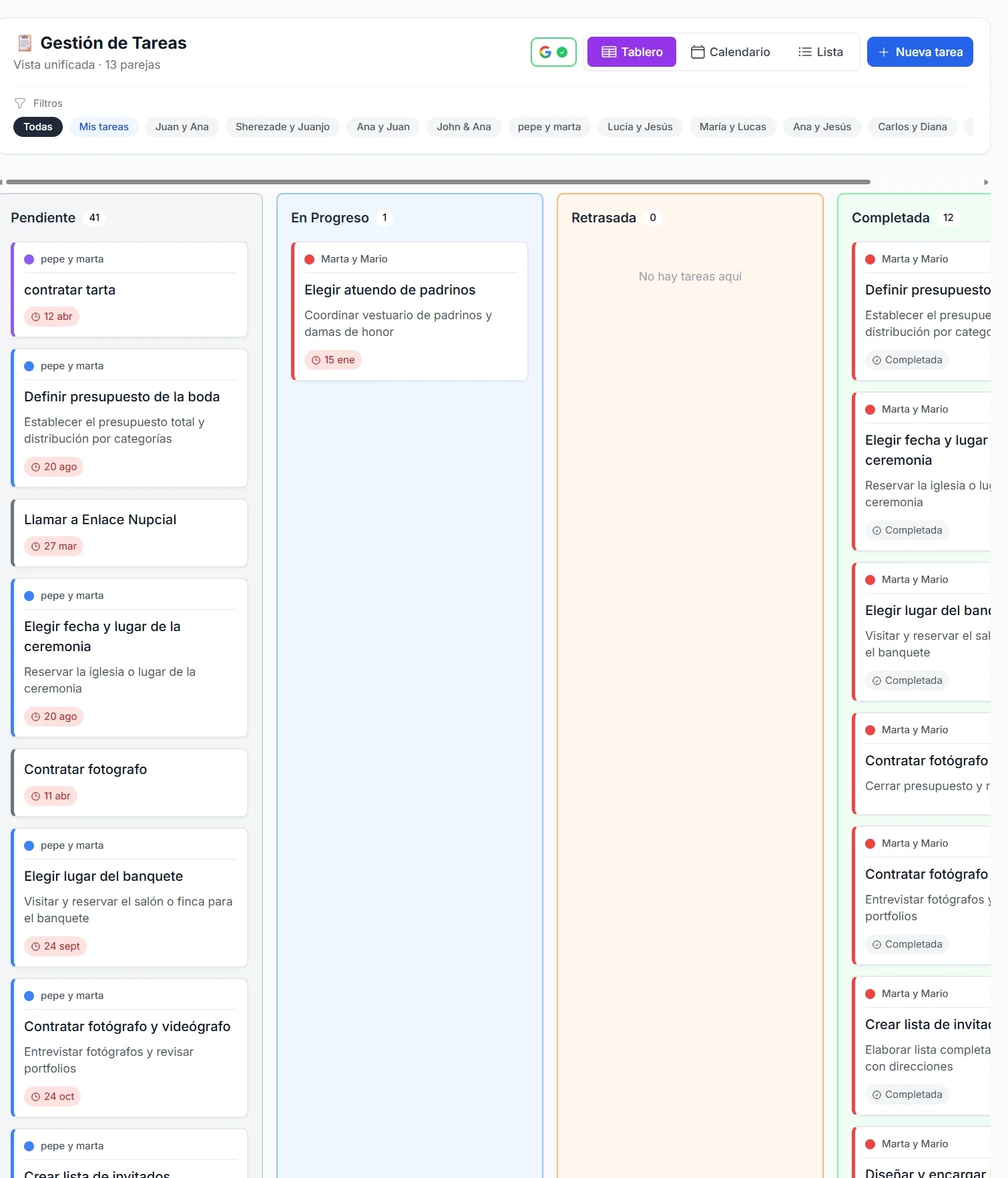
Suggested tasks by category so you are not starting blank. Dated tasks can go to your Google Calendar.
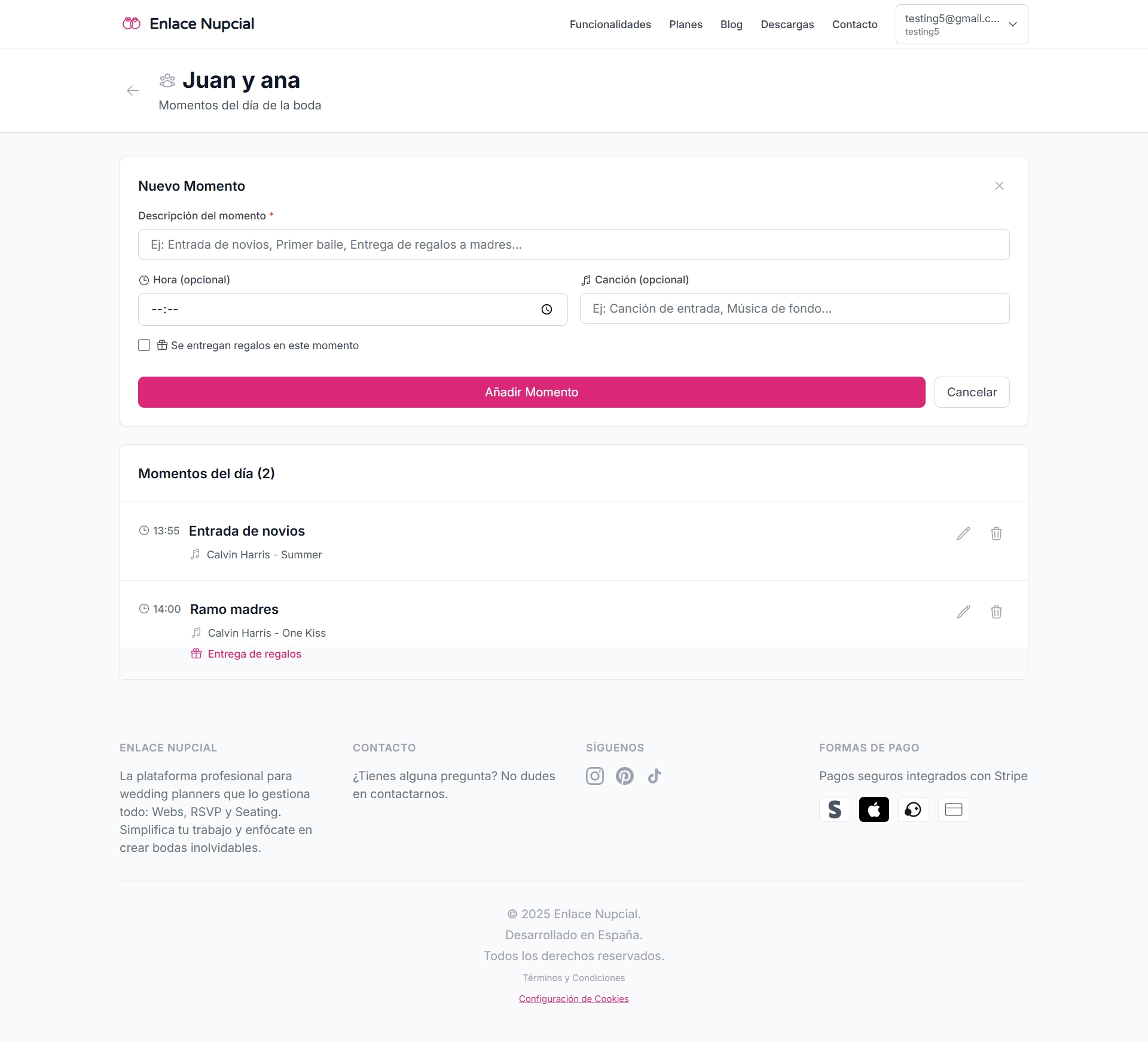
A short walkthrough of Kanban and the calendar is coming soon. Until then, try it in the dashboard.
A visual demo of this tool is coming soon. Get started and open it in the dashboard.
No. Each wedding has its own. Filter by couple or see all of them from one dashboard.
Yes. Board by status, a list, and a calendar. Drag a task to change the day.
Yes. Tasks with a due date can sync to your Google Calendar.
There are templates with the usual tasks by category. You can also create your own.
For wedding planners. You run the follow-up. The couple does not manage your board.
No. Get started free, land in the demo dashboard, and pick a paid plan only if it fits.
When month-of tasks become the run of show.
The money on each line, next to the tasks that unlock it.
The roster you book inside those tasks.
RSVP, seating, wedding websites, and the rest of the dashboard.
Get started, build the task list for your next wedding, and sync what is due.