Allocated, spent, and paid per category
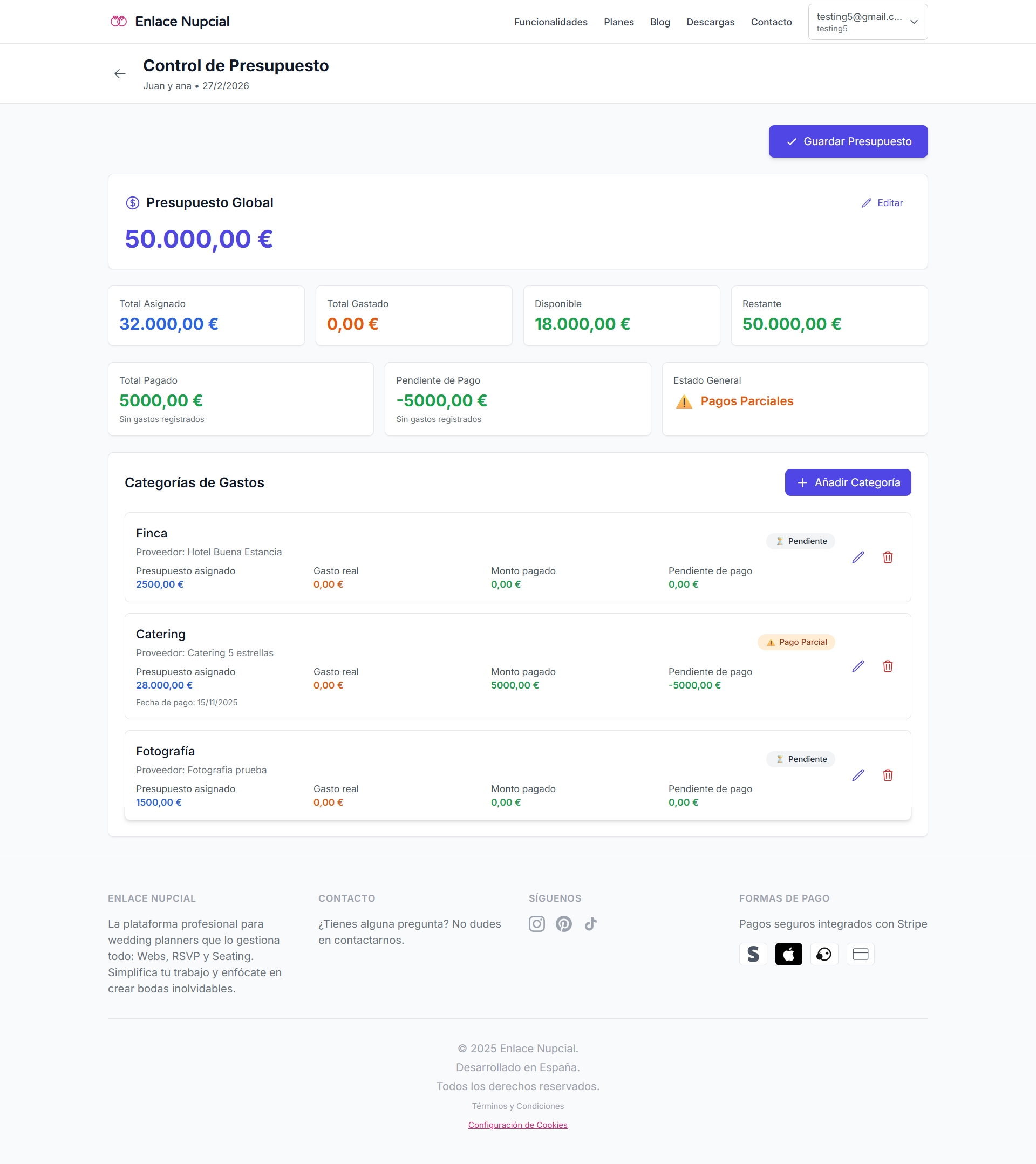
See the plan, the actual, and what has been paid. Line status updates: pending, partial, or paid.
Budget · Payments · Per couple · For planners
Categories, actual spend, and paid vs outstanding — per couple. Tie a vendor to each line. No more eight workbooks.
No credit card. You land in the demo dashboard and pick a plan when it fits. From $29.99/mo.
A deposit is not a budget
Allocated, spent, and paid live in different places. Across a book of weddings, that is a tooling problem — not a memory problem.
A sheet that cannot tell paid from outstanding
The total looks fine. Catering’s deposit and what is still due do not.
Categories that leak across couples
You copy the template and a charge from another wedding sneaks in. The count no longer ties out.
The vendor is not on the line
You know what photography costs. You do not have the photographer next to the number.
One budget per couple
Allocated, spent, and paid on that wedding. Pending, partial, or paid per category.
Line items you can name
Venue, catering, florals — whatever that wedding uses. Notes and payment dates on each.
Vendor plus a catering calculator
Attach who gets paid on each line. If the menu is per head, you are not doing that math in another sheet.
What you control
See the plan, the actual, and what has been paid. Line status updates: pending, partial, or paid.
Each wedding has its own lines. You do not mix Marta’s catering with another Saturday.
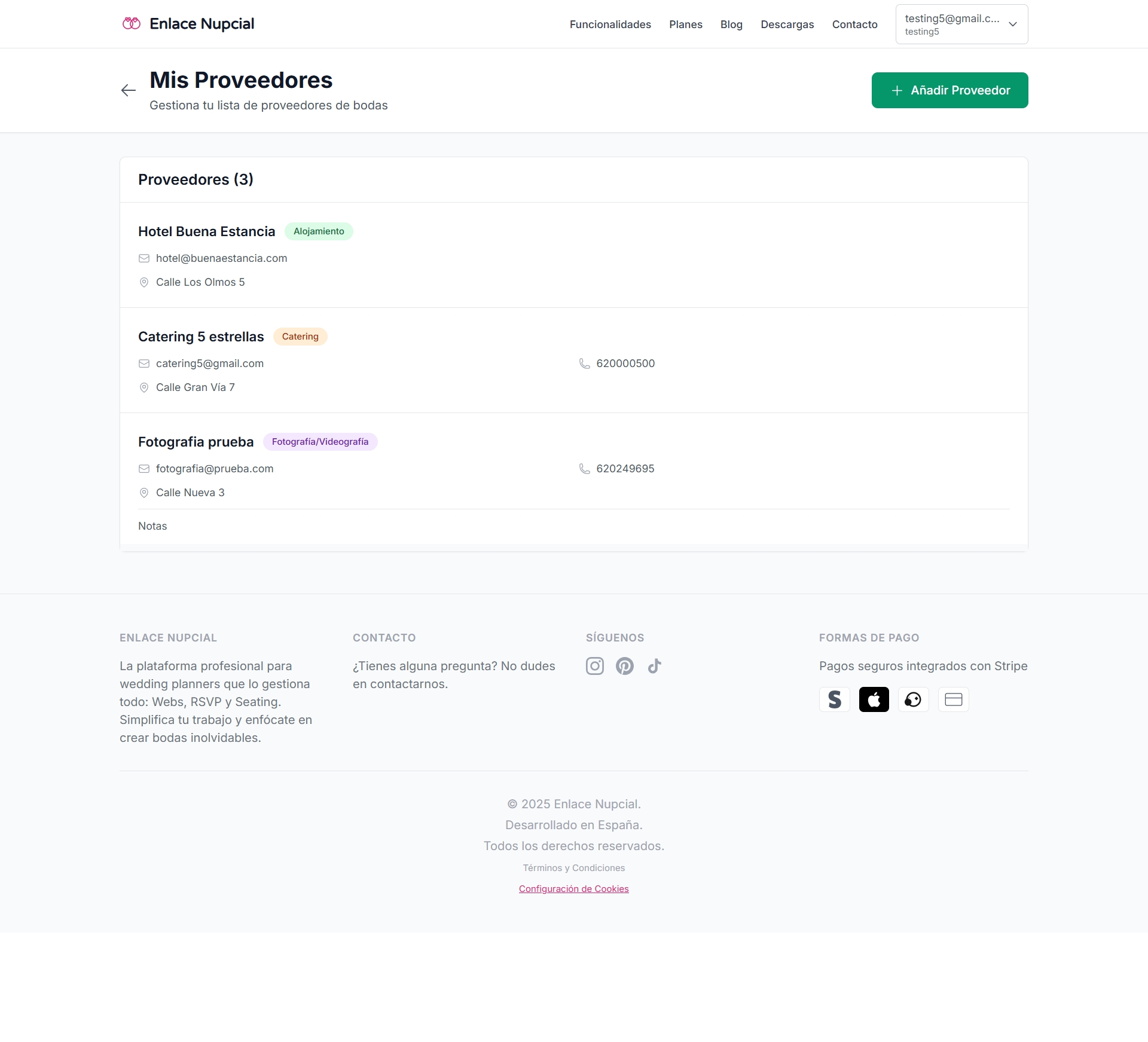
Link the contact to the category. The catering calculator estimates per guest when you need it.
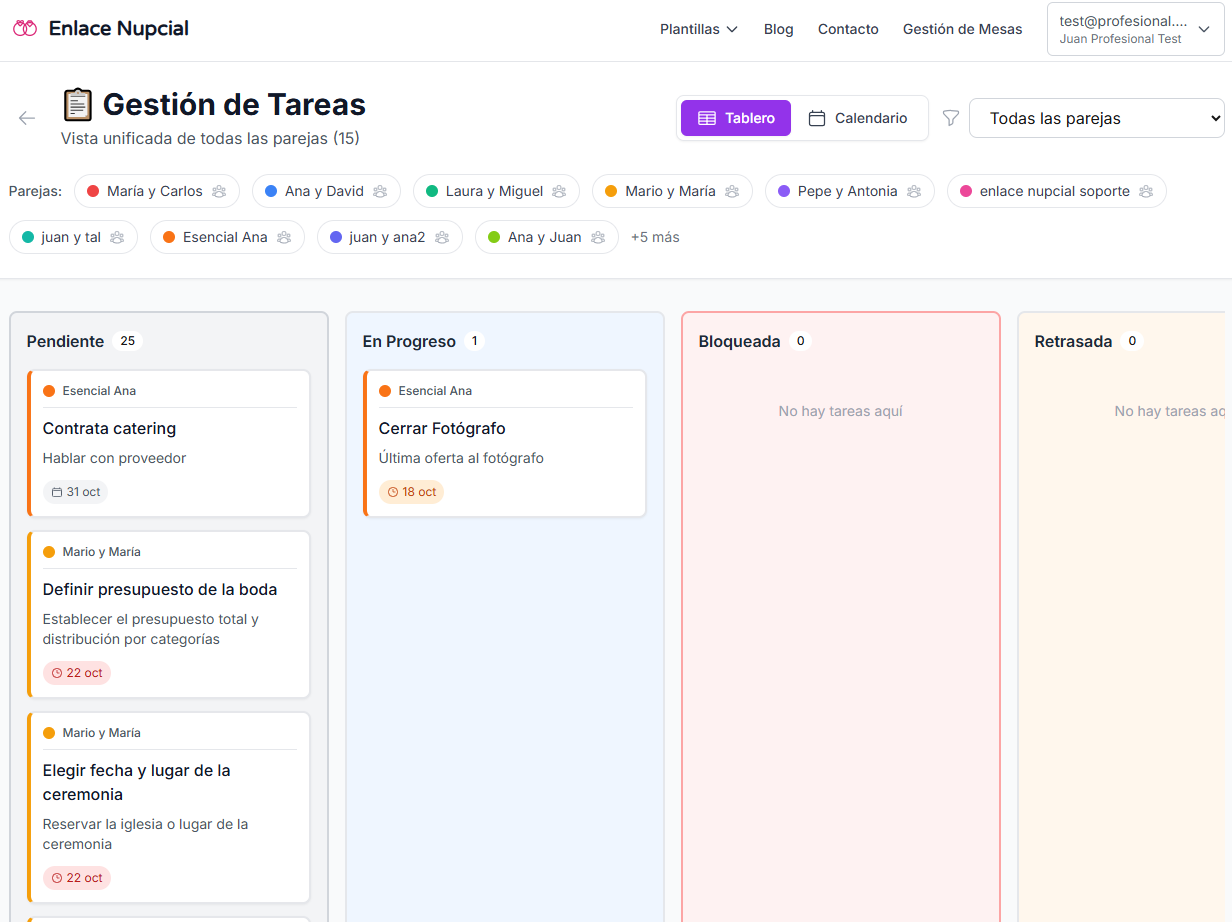
A short walkthrough of categories and payments is coming soon. Until then, try it in the dashboard.
A visual demo of this tool is coming soon. Get started and open it in the dashboard.
Yes. Line items, payments, and vendors on one wedding do not mix with another.
Yes. Log payments per category. Status moves to pending, partial, or paid.
Yes. Pick the contact from your roster on that budget category.
Yes. You can estimate a catering line from guest count and prices, inside that wedding’s budget.
It is the planner’s financial control: lines, spend, and payments. It is not a guest checkout.
No. Get started free, land in the demo dashboard, and pick a paid plan only if it fits.
The roster you attach to each budget line.
The dates around every deposit and booking.
The guest count that moves catering and the invoice.
Seating, run of show, wedding websites, and the rest of the dashboard.
Get started, build the budget for your next wedding, and mark what is paid.